What a Dark Network Address Actually Is
A dark network address is a cryptographic identifier generated by Tor hidden services. Unlike regular domain names that resolve through DNS servers, onion addresses are derived from a service's public key and are self-authenticating. When you visit an onion address, your Tor browser decrypts the connection using that address as a key, ensuring you reach the intended server and not an imposter.
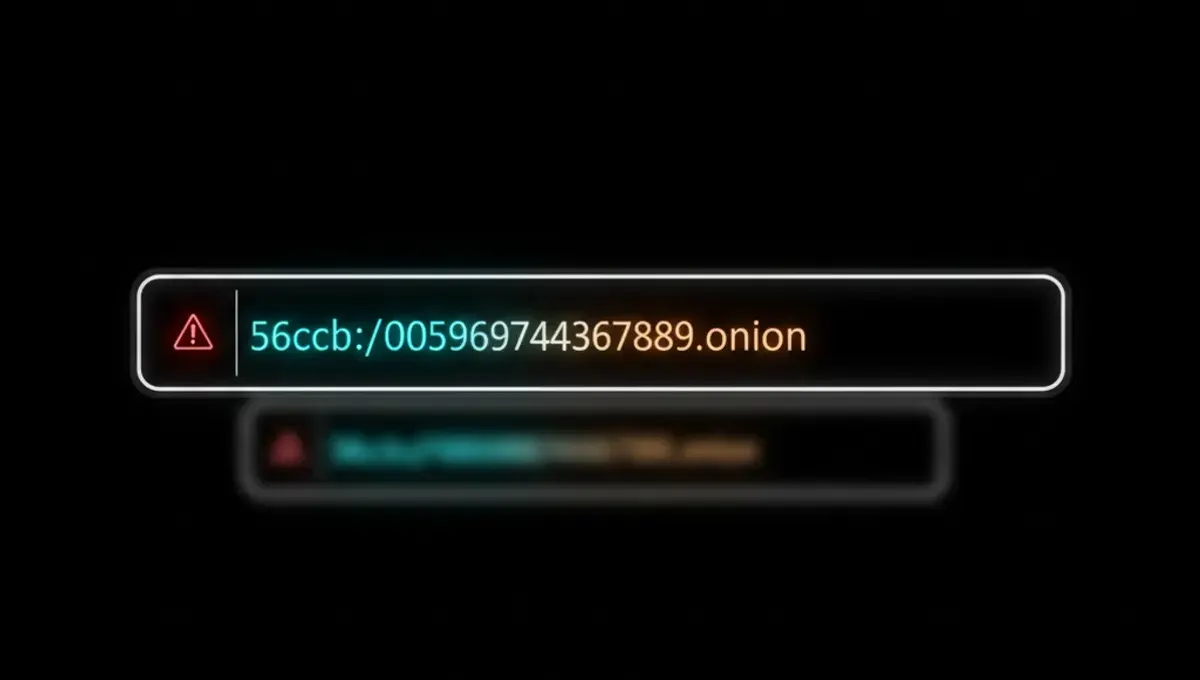
Onion addresses come in two formats. V2 addresses are 16 characters long and were the standard for years, though they are now deprecated due to security improvements. V3 addresses are 56 characters long and use stronger cryptography. A V3 address looks like this structure: a long alphanumeric string followed by .onion. The length and complexity make them harder to brute-force or spoof than older formats.
The address itself contains no information about the server's physical location or the operator's identity. This is by design. The Tor network routes your traffic through multiple relays, and the onion address acts as a meeting point between your client and the hidden service, encrypted end-to-end.
How Onion Addresses Are Generated and Verified
When someone sets up a Tor hidden service, the Tor software generates a keypair. The public key is hashed to create the onion address. This process is deterministic, meaning the same keypair always produces the same address. The operator then publishes this address to users through whatever channel they choose: a forum post, a PGP-signed announcement, a social media account, or a directory.
Verification happens through cryptographic proof, not trust in a central authority. When you connect to an onion address, your Tor browser verifies that the server's responses are signed with the private key corresponding to that address. If someone tries to impersonate the service using a different private key, the signatures will not match and the connection will fail.
This is why the address itself is the security anchor. You cannot verify an onion address by checking a certificate or calling a phone number. Instead, you verify it by confirming it comes from an official source. For legitimate services, operators publish their addresses on their clearnet website, in PGP-signed statements, or through established community channels. Always cross-reference an address across multiple independent sources before trusting it.
The Phishing Clone Problem
Phishing clones are fake onion sites that mimic the appearance and functionality of legitimate services. An attacker registers a new onion address, copies the target site's design, and spreads the fake address through forums, Reddit, or search results. Users who visit the clone instead of the real site may enter credentials, send money, or download malware.
The attacker cannot steal the original onion address itself because the address is cryptographically bound to the operator's private key. Instead, they create a completely different address that looks similar or is promoted alongside the real one. This is why a V3 address's length and randomness actually help: a 56-character string is harder to memorize or confuse than a short domain name, but it also means users are more likely to copy-paste addresses, which increases the risk of typos or redirects.
Common tactics include registering addresses with one or two characters different from the real address, using similar-looking characters (like 0 and O), or simply flooding search engines and directories with the fake link. The only defense is to verify the address from an official source every single time. Bookmark official announcements, save PGP-signed statements, and never trust an address shared in a comment or a DM.
How to Verify a Dark Network Address
Verification requires multiple steps and cross-referencing. Start by identifying the official source for the address. For well-known services, this might be their clearnet website, an official Twitter account, or a PGP-signed statement published on their own infrastructure.
Follow these steps:
- Visit the service's official clearnet website or social media account.
- Look for a link or announcement labeled "onion address", "Tor link", or "hidden service".
- Copy the address directly from that source rather than typing it manually.
- Check the address format: V3 addresses are 56 characters, V2 addresses are 16 characters, both followed by .onion.
- If the service publishes a PGP-signed statement, verify the signature using their public key.
- Open Tor Browser, paste the address into the address bar, and connect.
- Once connected, check that the site's content matches what you expect and that the connection shows as secure in Tor Browser.
If you cannot find an official source for the address, do not visit it. If the address is listed in a directory or forum, cross-check it against at least one other independent source. Many legitimate services publish their addresses on multiple platforms specifically to help users avoid clones.
Dark Web Wiki Addresses and Directory Listings
Dark web wikis and directories attempt to catalog onion addresses for various services. The Hidden Wiki is one example that has been mirrored and cloned many times. These resources can be useful for discovering services, but they are also prime targets for attackers who inject fake addresses into the listings.
A wiki address is just another onion address, subject to the same verification rules. If you find a link to a wiki in a forum post or search result, verify that address before visiting. Once inside a wiki, treat every listed address with skepticism. Wikis are often edited by anonymous users, and there is no central authority to remove false entries.
The safest approach is to use a wiki only as a starting point. After finding a service listed there, go to that service's official channels to confirm its real onion address. For example, if a wiki lists a dark web email address search tool, visit the tool's clearnet site or official announcement to get the verified address. Never assume that because an address appears in a wiki, it is legitimate.
Email and Personal Data on the Dark Web
Email addresses and personal information appear on the dark web for several reasons: data breaches, credential leaks, and intentional sales by criminals. Marketplaces and forums have historically sold databases of stolen email addresses, sometimes bundled with passwords or financial information. Understanding this landscape helps you assess your own risk.
If you want to check whether your email address or personal information has been compromised, you have a few options. Some security organizations maintain databases of known breaches and offer free lookup tools on the clearnet. These tools do not require you to access the dark web. Alternatively, you can search for your email on a dark web search engine address to see if it appears in public listings, though this requires Tor Browser and carries the usual risks of navigating onion sites.
A dark web email address search typically works by querying leaked databases that have been indexed and made searchable. These searches are informational only; they do not prevent future breaches or remove your data. If you find your information listed, change your passwords, enable two-factor authentication, and monitor your accounts for unauthorized activity. Consider using a password manager and a unique email address for each service to limit the damage from future breaches.
Reality Check: How Addresses Fail in Practice
According to Tor Project documentation on hidden service security, the most common failure point is user error in address verification, not cryptographic weakness. Users often trust an address because it appears in a search result or a forum recommendation, without checking an official source. This is why phishing clones remain effective despite the cryptographic guarantees of onion addresses.
Law enforcement press releases on darknet marketplace seizures often note that operators used multiple addresses and mirrors to maintain service continuity. When one address was taken down, users migrated to a backup address. This created confusion and opportunity for scammers to register lookalike addresses and redirect traffic to their own sites. The lesson is that even if you verify an address today, the service may move to a new address tomorrow, and you need to re-verify the new one.
Court records from fraud cases involving dark web sites show that victims often lost money because they visited a clone site instead of the real one. The clone operator copied the legitimate site's design, accepted payments, and disappeared. The victim had no recourse because they sent money to a different address and the original operator was not responsible. This underscores why verification is not optional: it is the only protection you have.
Next Steps: Building Your Verification Habit
The core takeaway is simple: an onion address is only as trustworthy as the source you got it from. The cryptography protects you from network eavesdropping and ensures you reach the intended server, but it does not protect you from visiting the wrong server in the first place.
Start by creating a personal list of services you use regularly and their official onion addresses. Bookmark the clearnet announcement pages where operators publish these addresses. When you need to visit a service, go to your bookmark first, verify the address, and then open it in Tor Browser. If you encounter a new service, spend five minutes finding its official address before visiting. This habit takes minimal time and eliminates most phishing risk.
If you are searching for a dark web search engine address or a dark web wiki address, use the Useful Resources page of this site as a starting point. Cross-reference any address you find there with at least one other independent source. Never assume that because an address is listed somewhere, it is real. Your diligence in verification is the difference between safe browsing and becoming a victim of a clone site.
Common Questions
What does a dark network address look like
A V3 onion address is 56 random alphanumeric characters followed by .onion, like abcd1234efgh5678ijkl9012mnop3456qrst7890uvwx1234yzab5678.onion. V2 addresses are 16 characters followed by .onion and are now deprecated. Both formats are generated from cryptographic keys and are self-authenticating within the Tor network.
How do I know if an onion address is real or a phishing clone
Verify the address by finding it on the service's official clearnet website, a PGP-signed announcement, or a trusted community source. Copy the address directly rather than typing it. If you cannot find an official source, do not visit the address. Cross-reference the address across at least two independent sources before trusting it.
Can I search for my email on the dark web without using Tor
Yes. Security organizations and breach notification services offer clearnet tools to check if your email appears in known data leaks. You do not need to access the dark web to do this. If you want to search dark web databases directly, you will need Tor Browser and access to a dark web search engine address, which carries additional risks.
Why do onion addresses change
Operators may change addresses for security reasons, to migrate to a new server, or to escape attention from law enforcement or attackers. When an address changes, the operator publishes the new address through official channels. Always verify the new address before visiting, as attackers often register lookalike addresses during transitions.
What is the difference between a dark web address and a regular website address
A dark web address routes through the Tor network and is cryptographically bound to a hidden service's private key. A regular address uses DNS and clearnet infrastructure. Onion addresses hide both the user's and server's location, while regular addresses expose the server's IP address. Both require verification, but onion addresses use different verification methods.